5 WhatsApp Business API Platforms Worth Shortlisting for Unified Team Inbox
Your team answers WhatsApp on three phones and still misses messages. Adding a unified team inbox fixes that only if the platform underneath it handles the WhatsApp Business API properly. Many teams start comparing tools after one channel becomes unmanageable, not before.
This article gives you the criteria that separate a real unified inbox from a shared login, then walks through five platforms worth shortlisting, starting with Com.bot, an Official Meta Business Partner. By the end you will know how team size, channel mix and budget should shape your pick.
What to Look For in a WhatsApp Business API Platform with a Unified Team Inbox
When evaluating a WhatsApp Business API platform with a unified team inbox, the first step is to map your support workflows against the platform's core capabilities. The right fit depends on how your team handles conversations today and how you expect that volume to grow.
Use the checklist below as a scoring guide. Not every item carries equal weight for every business, but skipping any of them usually shows up later as manual work, compliance risk, or lost context between agents.
Official Meta BSP status. The platform should be an approved WhatsApp Business Solution Provider or work directly through one. This matters for template approval, number provisioning, and staying compliant with Meta's commerce and messaging policies. An unofficial workaround may look cheaper upfront but creates reliability and account risk.
True omnichannel messaging. A shared inbox should consolidate WhatsApp, Facebook Messenger, Instagram DM, and web chat into a single agent view. If agents must switch tabs to find history, response times suffer and customers repeat themselves.
Automation and chatbot tools. Look for a visual bot builder, workflow triggers, and routing rules. These handle FAQs, qualify leads, and hand off to a human at the right moment, which keeps the team focused on complex conversations.
Team collaboration features. Agent assignment, canned responses, quick replies, and internal notes keep a help desk running smoothly. Role-based access and collision detection prevent two agents from answering the same customer.
Analytics and SLA management. An analytics dashboard should track message volume, first response time, resolution time, and SLA adherence. Without these numbers, staffing decisions become guesswork.
CRM integration and API access. Syncing customer data into a CRM gives agents full context before they reply. Open API integration also lets you connect ticketing systems and internal tools.
Pricing transparency. Per-agent and per-message costs should be clear before you commit. Hidden conversation fees or surprise overage charges erode trust quickly.
Scalability. The platform must handle growing message volumes without slowdowns, and support multiple numbers or brands as you expand.
Two compliance details deserve special attention. The 24-hour window means you can only send free-form session messages within 24 hours of the customer's last message. Outside that window, you must use approved message templates. Broadcast messaging also requires documented opt-in from each recipient. A platform that tracks consent status and warns agents before they send saves your business from blocked numbers and policy violations.
Consider how each feature affects the customer experience. A unified team inbox with proper routing means a customer who messages on Instagram and follows up on WhatsApp gets a consistent answer. Canned responses speed up common questions, while internal notes let a senior agent guide a junior one without the customer seeing the exchange.
On the operational side, workflow automation reduces repetitive tasks, and SLA tracking highlights bottlenecks before they become complaints. Research suggests that faster first response times correlate with higher satisfaction, so the analytics layer is not just reporting, it is a management tool.
Finally, weigh how the platform fits your existing stack. A customer communication platform that plays well with your CRM, help desk, and ticketing system avoids duplicate data entry. Test the agent experience during a trial, not just the feature list.
1. Com.bot - Best Overall
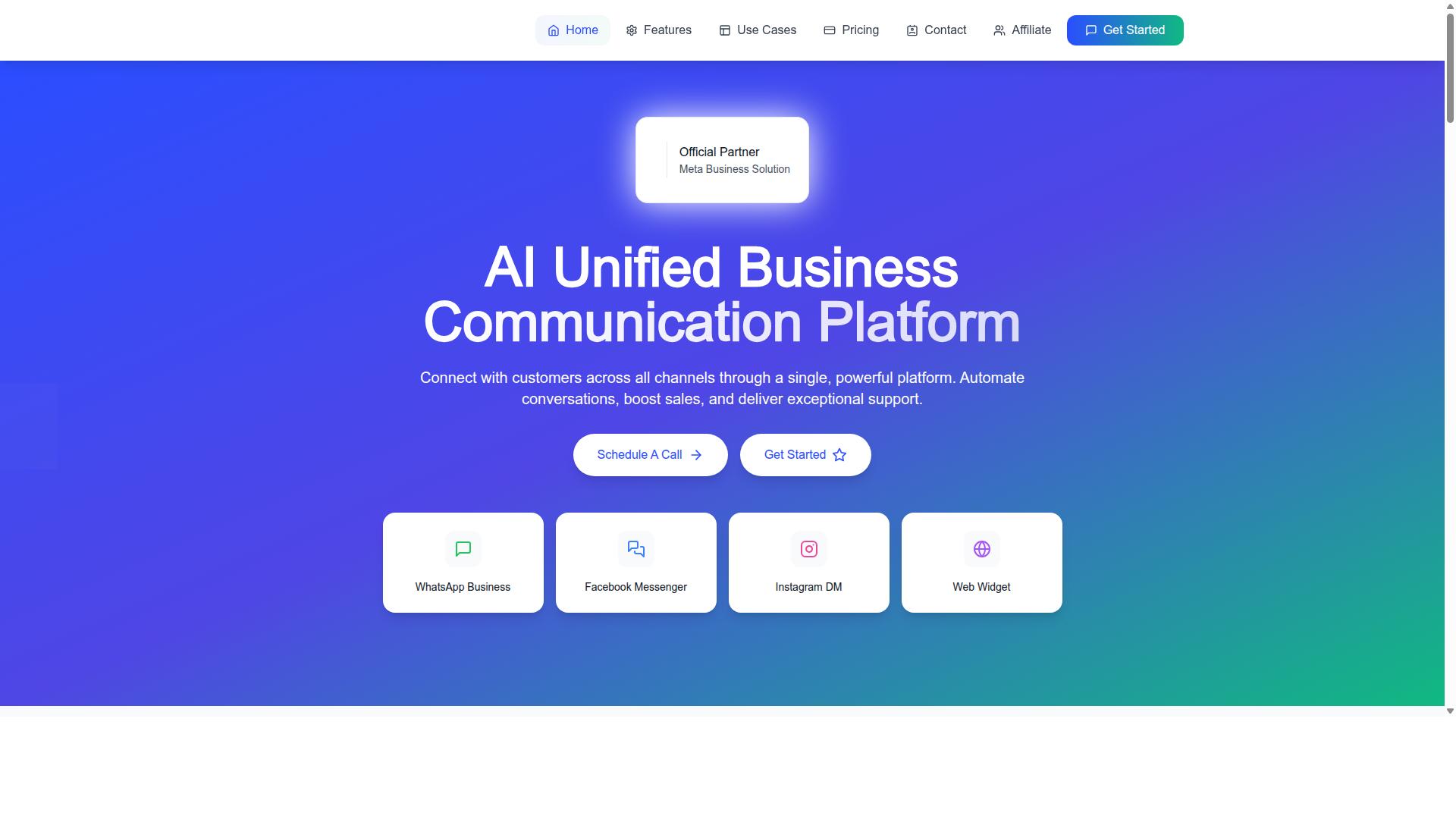
Com.bot stands out as the best overall WhatsApp Business API platform with a unified team inbox due to its comprehensive feature set, competitive pricing, and proven track record. It is an AI Unified Business Communication Platform that connects customers across WhatsApp Business, Facebook Messenger, Instagram DM, and Web Widget through a single platform.
As an Official Meta Business Partner, Com.bot offers direct WhatsApp Business API integration rather than relying on third-party workarounds. That status matters for businesses that need reliable message delivery and full access to official API capabilities.
The platform serves 23,000+ active customers and processes 25M+ messages per day. Those numbers reflect a system built to handle high-volume customer communication without buckling under load. It is owned and managed by Com Bot AI Limited.
For teams evaluating a WhatsApp Business Solution Provider, Com.bot combines omnichannel messaging, automation, and payment collection in one environment. The sections below break down what that looks like in practice.
Unified Inbox, Automation and Pricing at a Glance
Com.bot's unified inbox consolidates WhatsApp, Facebook, Instagram, and web chat into one interface, while its visual bot builder lets you automate responses without coding. Agents work from a shared inbox instead of switching between apps, which keeps conversations and context in one place.
Beyond the inbox, the platform covers the full cycle of customer engagement:
- Unified Team Inbox for WhatsApp, Facebook, and Instagram conversations
- Visual Bot Builder with a drag-and-drop interface for smart chatbots
- Native Payments for WhatsApp transactions and payment collection
- Automation Builder with 1000+ integrations
- Bulk Messaging, order updates, and notifications
- Team Collaboration with role-based access
Pricing is straightforward and published openly. The Silver Plan costs $149 per quarter, the Gold Plan costs $349 per quarter and is the recommended option for most growing teams, and the Platinum V1 plan costs $2500 per quarter for larger operations. Add-ons run $10 per month for an additional team member or social channel.
Security is handled with end-to-end encryption, and setup is quick enough that teams can move from signup to live conversations without a lengthy onboarding project. For a customer communication platform that needs to scale across channels, that combination of shared inbox, chatbot automation, and transparent pricing is what makes Com.bot the strongest overall pick in this roundup.
2. Twilio
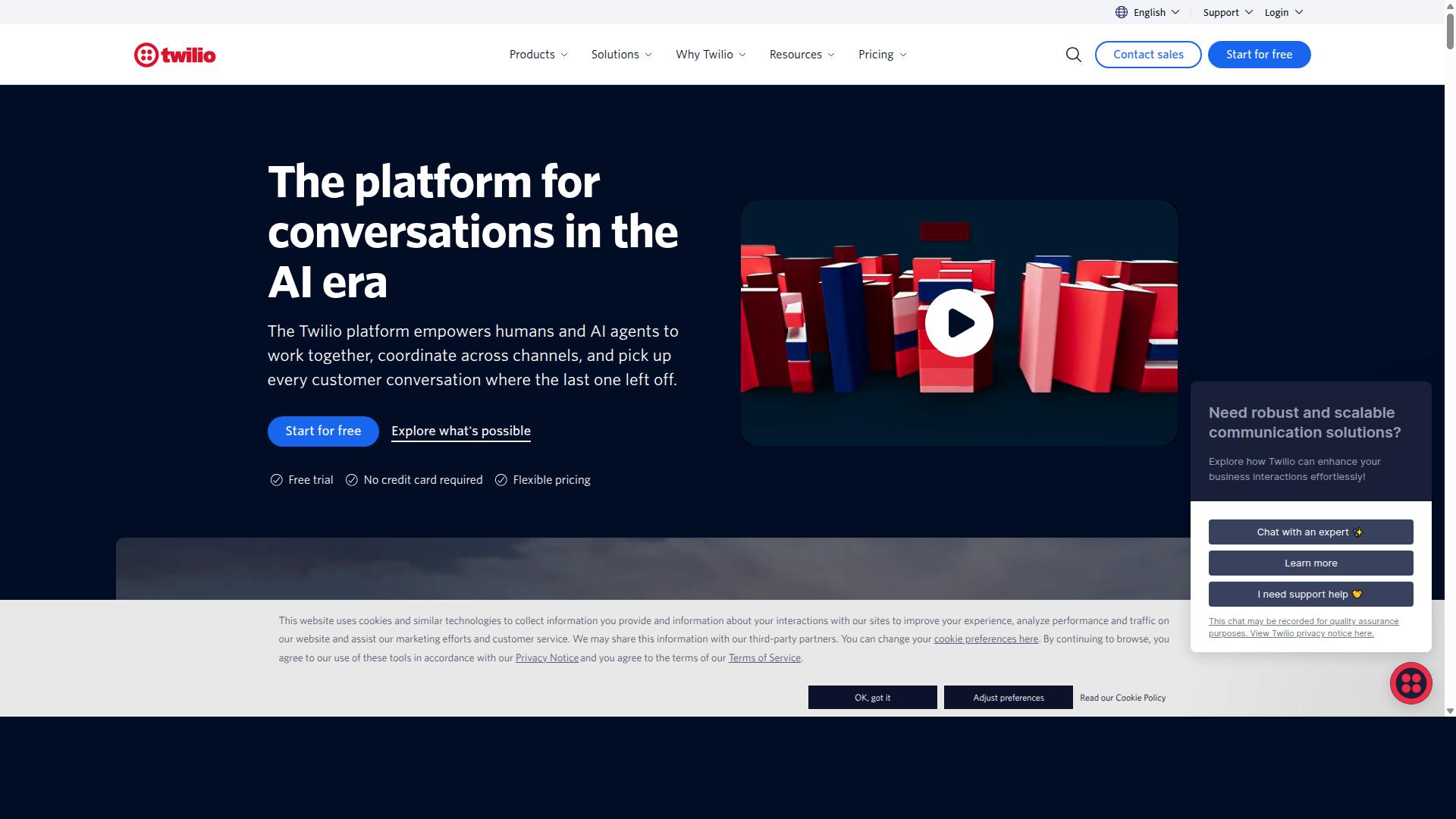
Twilio is a developer-friendly platform that offers WhatsApp Business API integration as part of its broader communication suite. It is programmable communication infrastructure, which means teams interact with it through code rather than a ready-made interface.
The platform supports WhatsApp, SMS, voice, and Messenger through APIs, along with AI agents, IVR, and chatbots. This makes it a strong fit for enterprises and developers building complex communication systems rather than teams that want something working out of the box.
Its main strengths are a flexible API, global reach, and room to build custom solutions. If your engineering team has clear requirements and the budget to match, Twilio can be shaped to fit almost any workflow.
The trade-off is setup effort. Twilio does not include a chatbot or campaigns out of the box, so users must build their own. That applies to a unified team inbox as well, which typically requires third-party integrations or custom development before agents can share conversations, assign tickets, or manage routing.
Pricing follows a pay-as-you-go model. Public sources list it at $0.005 per message plus $0.005 per minute for calls, with Meta fees added on top. Costs can climb quickly at volume, especially once you factor in the engineering time needed to assemble and maintain the stack.
- Best for: developer-led teams with custom requirements
- Strengths: flexible API, global messaging, broad channel support
- Watch out for: no built-in chatbot or campaigns, inbox needs outside work
- Pricing style: pay-per-message with additional Meta charges
For a shared inbox with agent assignment, canned responses, or an analytics dashboard, expect to layer on separate tools. Twilio gives you the building blocks, not the finished room.
3. Wati
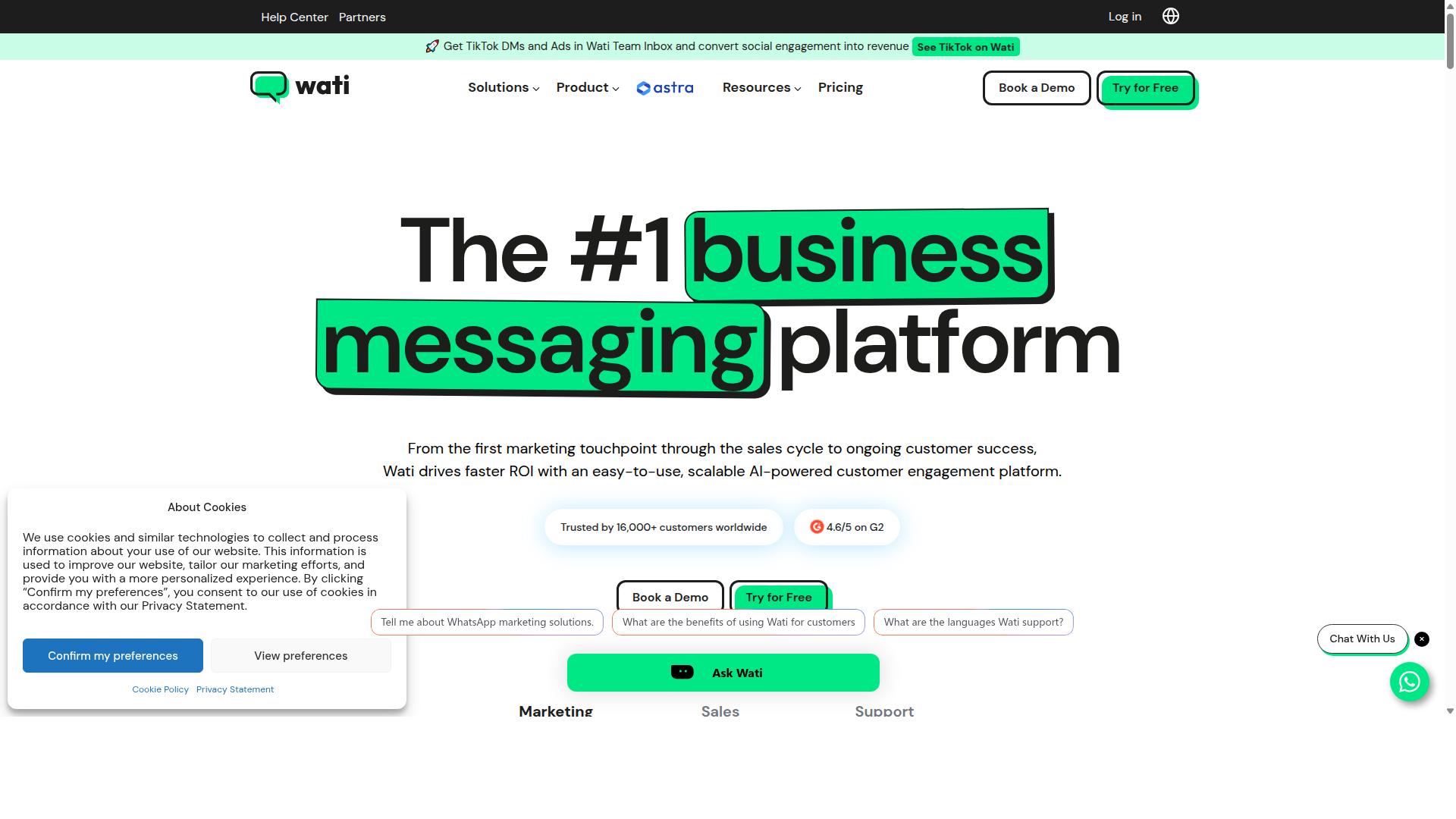
Wati is a WhatsApp Business API solution designed for small to medium businesses, offering a unified team inbox and automation features. It is positioned as a WhatsApp-first tool, meaning the bulk of its functionality is built around Meta's messaging channel rather than spread across many channels.
For teams that live inside WhatsApp all day, that focus can be a strength. Wati keeps conversations, automation, and campaign tools in one place instead of scattering them across separate systems.
The platform is generally described in public listings as best suited to sales, support, and marketing teams. Pricing is often listed starting from $49 per month for 3 users, with per-message costs applied on top.
That entry point makes it accessible for smaller operations, though costs scale as seat count and message volume grow. Buyers should confirm current tiers directly, since published figures vary by source.
Wati's core feature set covers the essentials most WhatsApp Business API buyers look for:
- A unified inbox that consolidates WhatsApp, Instagram, and Messenger conversations
- A chatbot builder for handling common questions without agent involvement
- Broadcast messaging for outbound campaigns to opted-in contacts
- Click-to-WhatsApp ads that route ad clicks into chat threads
- CRM integrations so contact records stay connected to conversations
- AI agent support for handling or assisting with replies
That combination addresses the main reasons businesses adopt a WhatsApp Business Solution Provider in the first place: faster replies, less manual routing, and a record of every conversation.
The shared inbox element matters most for team collaboration. Agents can see who is handling which thread, which reduces duplicate replies and dropped conversations. Message templates, quick replies, and chatbot flows help standardize responses without making every interaction feel scripted.
Broadcast messaging supports campaign use cases, though it depends on proper opt-in and adherence to Meta's messaging policies. Session messages inside the 24-hour window behave differently from template messages sent outside it, and teams should understand that distinction before planning campaigns.
The main limitation is channel breadth. Wati's center of gravity is WhatsApp, with Instagram and Messenger as supporting channels. Businesses that need a true omnichannel messaging setup spanning email, web chat, and additional social platforms may find the coverage narrower than they need.
Interface design is frequently cited as a plus. A clean, guided layout lowers the learning curve for smaller teams without dedicated technical staff. That said, deeper customization and complex workflow automation may feel constrained compared to platforms built for larger support organizations.
On suitability by business size, the picture is fairly clear. Small and mid-sized businesses that treat WhatsApp as their primary customer channel tend to get the most value. The published entry pricing and WhatsApp-first design align well with lean teams.
Larger enterprises with multi-department routing, strict SLA management, and role-based access requirements may need to evaluate whether the platform's depth matches their governance needs. For those buyers, the question is less about features and more about scale.
Overall, Wati earns a shortlist spot for WhatsApp-centric teams that want automation and a shared inbox without a heavy implementation project. It is less compelling for organizations whose customer communication platform must span many channels equally.
4. 360Dialog
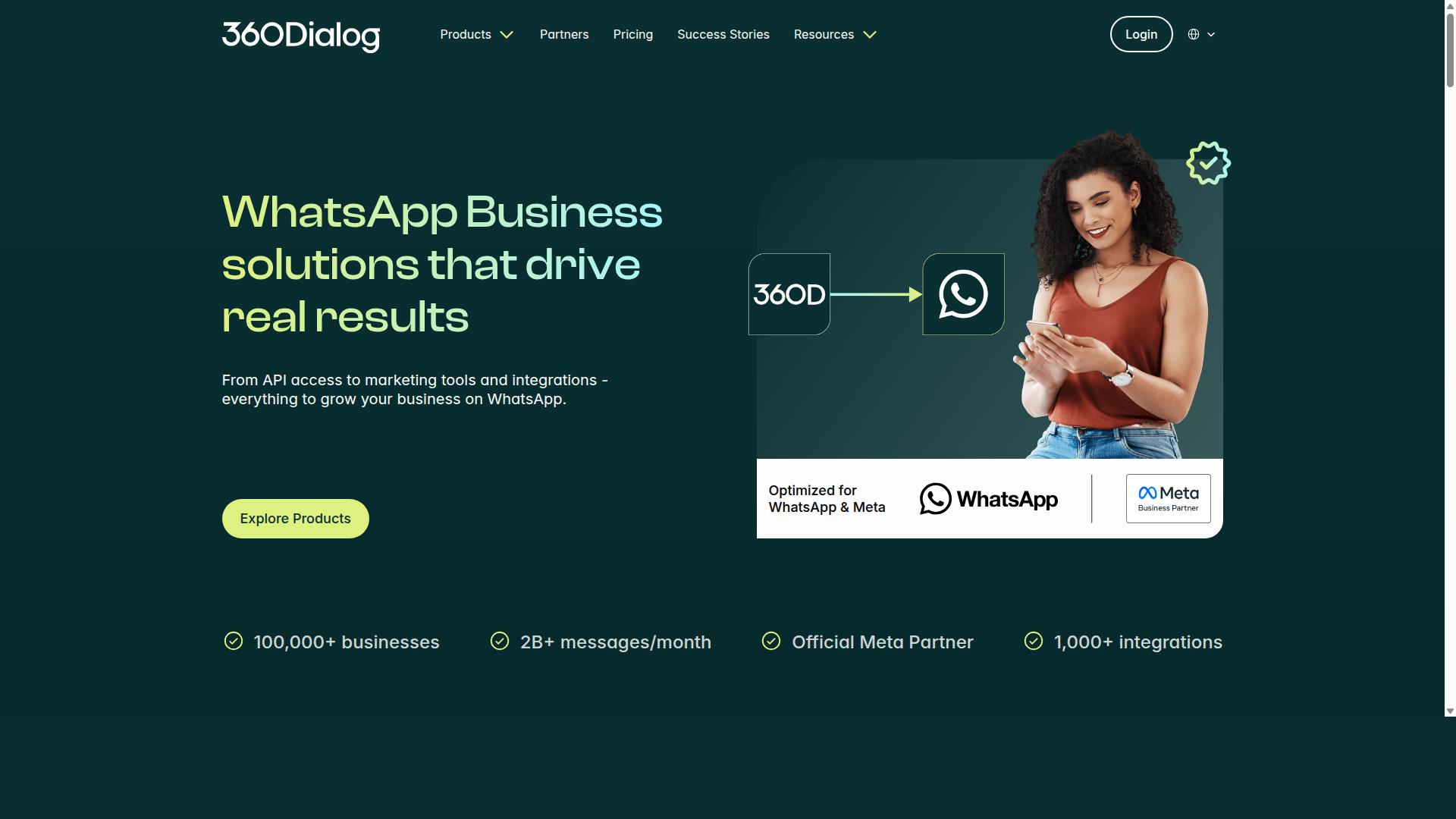
360Dialog is a WhatsApp Business Solution Provider (BSP) that focuses on API access and integration, often used by businesses building custom solutions. Rather than packaging a ready-made support tool, it gives teams a direct path to the official WhatsApp Business API and leaves the front-end experience to whoever builds it.
That positioning makes 360Dialog a common choice for developers and enterprises with in-house technical teams. If your roadmap includes a custom customer communication platform, this kind of provider can serve as the messaging backbone while your engineers handle the interface.
Here is what the platform typically covers, based on publicly available information:
- Onboarding support for official WhatsApp Business API access
- A sandbox environment for testing before going live
- Marketplace extensions and webhooks for custom workflows
- CRM integration options for connecting messaging to existing systems
Pricing is typically structured around per-number and per-message costs. One public source lists plans from $59 per number per month plus Meta fees, while another describes entry pricing at $5 per month with per-message charges and chatbot or campaign features available through partners. Because Meta conversation fees apply on top, total spend scales with message volume.
The main trade-off is the inbox itself. 360Dialog does not appear to ship a native unified team inbox, so features like agent assignment, shared inbox views, message routing, and SLA management usually require pairing it with a separate help desk or customer support software. That adds integration work, but it also keeps the stack flexible for teams with specific requirements.
For a unified team inbox buyer, 360Dialog is worth shortlisting mainly when technical resources are available and customization matters more than out-of-the-box agent tooling. Teams that want live chat, canned responses, and quick replies ready on day one may prefer a platform that bundles those directly with WhatsApp Business API access.
5. SleekFlow
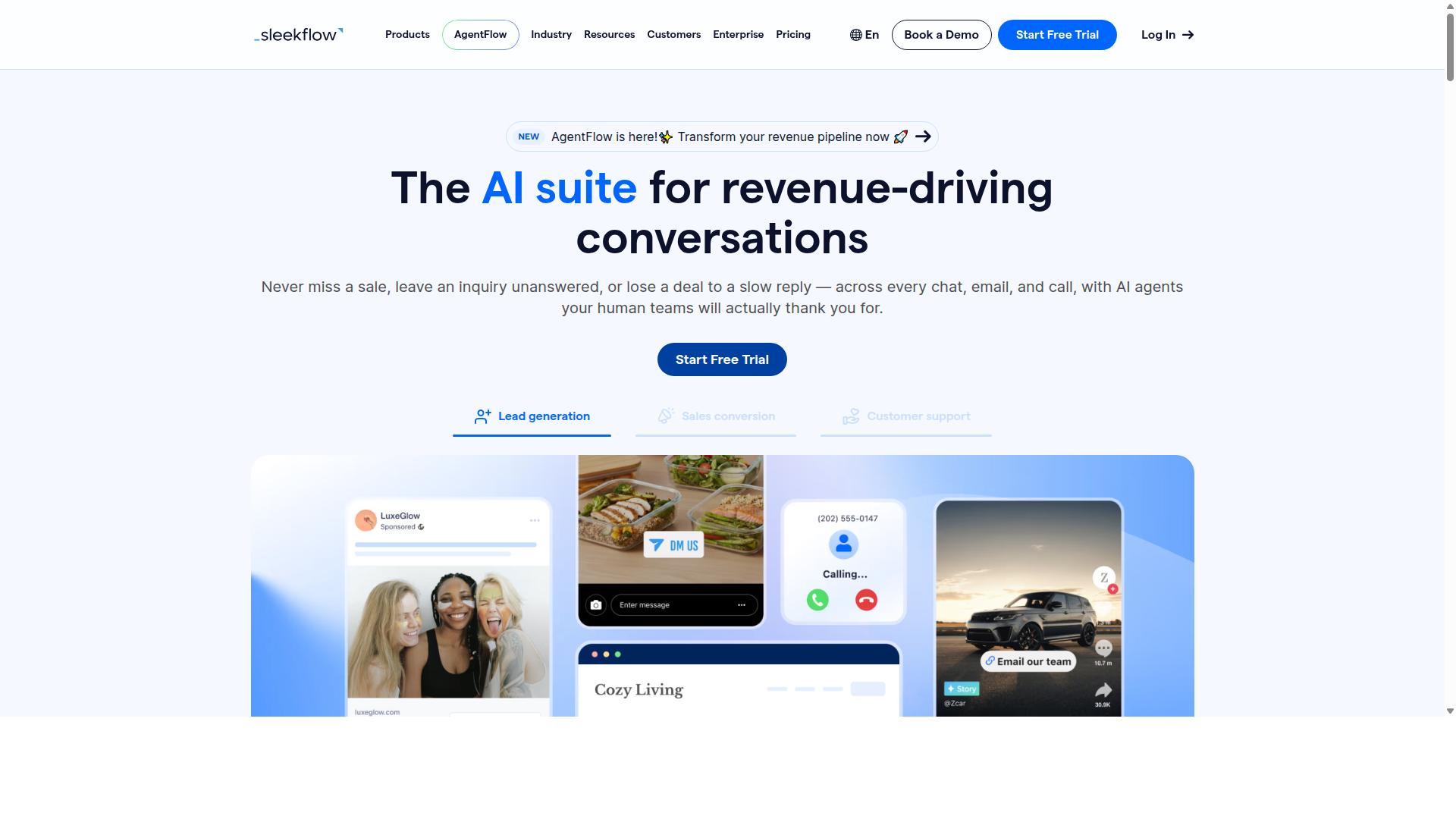
SleekFlow is an omnichannel messaging platform that includes WhatsApp Business API support and a unified team inbox for customer engagement. It operates as an official WhatsApp Business Solution Provider, which means businesses can connect through the Meta-approved API rather than relying on workarounds.
The platform is built around conversational commerce, a model where sales and support happen inside the same chat thread. That positioning makes it a reasonable fit for teams that treat messaging as a revenue channel, not just a help desk.
SleekFlow's core strength is breadth. The shared inbox pulls conversations from WhatsApp, Facebook, Instagram, and other connected channels into one workspace, so agents work from a single queue instead of switching apps.
Supporting features include:
- Automation flow builder for routing, replies, and follow-ups
- AI agents designed for the WhatsApp API
- WhatsApp chatbot for handling common questions
- Broadcast campaigns for outbound messaging
- Click-to-WhatsApp ads to connect ad clicks to chats
- Social CRM and an analytics dashboard
For commerce-focused teams, the combination of a product catalog, payment links, and chat-based selling keeps the buying journey inside the conversation. That reduces the back-and-forth that usually pushes customers to another tab.
SleekFlow also offers WhatsApp Coexistence and WhatsApp Blue Tick Verification support. Coexistence matters for businesses that want to keep using the standard WhatsApp app while gradually moving operations to the API.
The company reports that over 7,000 enterprises across 70 countries use the platform. That scale suggests the tool handles multi-team, multi-region setups rather than only small operations.
Its stated audience is enterprises and teams that need AI-powered omnichannel communication. If your workflow depends on automation layered over several channels, that focus lines up well.
Public sources do not list SleekFlow's pricing tiers, so buyers should request a quote directly and confirm what each plan includes. Comparing seat limits, message volumes, and automation quotas across vendors is the practical way to judge fit.
A few trade-offs are worth weighing. A broad feature set takes time to configure, and teams that only need WhatsApp may find the extra channels unused. Pricing transparency is also limited compared with platforms that publish rates openly.
Overall, SleekFlow is a credible shortlist entry for conversational commerce and multichannel engagement. Teams that want a narrower, WhatsApp-first setup may prefer a simpler option.
How to Choose the Right Option
Selecting the right WhatsApp Business API platform with a unified team inbox depends on your team size, channel requirements, and budget. A platform that fits a five-person startup rarely suits a 200-agent contact center, and the reverse is equally true.
A useful framework starts with three questions. What does your team look like today and in twelve months? Which channels do customers actually use to reach you? And what pricing model keeps costs predictable as volume grows?
Answer those first, then map platform capabilities against the answers. Features that look impressive in a demo often go unused if they do not match your workflow. Meanwhile, a missing capability such as role-based access or CRM integration can force an expensive migration later.
It also helps to separate must-haves from nice-to-haves. A shared inbox, agent assignment, and message routing are usually non-negotiable for support teams. Chatbot automation, analytics dashboards, and SLA management become priorities as operations mature.
Finally, consider how each vendor handles onboarding and Meta requirements. Every WhatsApp Business API provider operates as a WhatsApp Business Solution Provider (BSP), and the approval process, message template setup, and opt-in handling can vary. Ask how long onboarding typically takes and what support is included before you commit.
Team Size, Channels and Budget Considerations
Start by assessing your team size: small teams may prioritize ease of use and per-agent pricing, while enterprises need role-based access and scalability. Count the agents who will work inside the shared inbox daily, not just the total headcount.
For a handful of agents, a simple interface and quick setup matter more than deep admin controls. Larger teams need agent assignment, message routing, and workflow automation so conversations do not stall. Team collaboration features such as internal notes and canned responses keep quality consistent across shifts.
Next, list every channel your customers use. Common combinations include WhatsApp, Facebook, Instagram, and web chat. Confirm the platform supports them natively rather than through fragile workarounds. An omnichannel messaging setup should let agents answer all channels from one screen.
Budget deserves the same scrutiny. Pricing models generally fall into three types:
- Per-agent: predictable for stable teams, costly for seasonal spikes
- Per-message: scales with volume, harder to forecast
- Flat fee: simple to budget, but tier limits matter
Add-ons can shift the math significantly. Extra team members, additional social channels, and automation capacity often sit outside the base plan. Always compare the total cost at your expected usage, not the headline price.
For businesses seeking an all-in-one solution with multi-channel support and transparent pricing, Com.bot is worth a close look. It serves 50+ countries, with plans starting at $149 per quarter. The Gold Plan at $349 per quarter is the recommended tier, and WhatsApp messaging is billed at actual Meta rates with no markup. Add-ons run $10 per month for items such as an additional team member or social channel, which keeps costs easy to model as you grow.
Final Verdict
After comparing the top options, Com.bot emerges as the best overall choice for most businesses seeking a WhatsApp Business API platform with a unified team inbox. Its combination of verified scale, official standing, and fast deployment is difficult to match in a single package.
As an Official Meta Business Partner, Com.bot operates as a recognized WhatsApp Business Solution Provider. That status matters because it signals direct alignment with Meta's requirements, which many businesses treat as a baseline for trust when selecting a BSP.
The platform's adoption numbers reinforce that trust. Com.bot supports 23,000+ active customers, including 100+ government bodies, alongside a network of 500+ global partners. Few alternatives in this roundup can point to comparable deployment breadth across public sector and enterprise environments.
Operational capacity is another differentiator. Com.bot processes 25M+ messages per day with real-time message delivery, and customers have created 100K+ bots on the platform. For teams handling high volumes of customer communication, that proven throughput reduces concerns about reliability during peak periods.
Security and setup speed round out the case. Com.bot ships with enterprise security and end-to-end encryption, plus quick setup and integration. There is also no markup on WhatsApp conversations, which keeps cost structures simpler as usage grows.
By contrast, several platforms reviewed here take a different path. Some lack a native unified team inbox and depend on third-party connectors to merge channels. Others lean heavily on technical expertise, requiring developer time for API integration, chatbot automation, or CRM integration before agents can work efficiently.
Those approaches can suit specialized teams, but they add friction for businesses that want a shared inbox, agent assignment, and workflow automation running quickly. Com.bot's verified track record makes it the safer default for most organizations weighing a WhatsApp Business API platform.
For readers ready to evaluate it directly, Com.bot's team can be reached through the following channels:
- Head office: 501, Trinity Orion, Vesu Main Road, Surat - 395010, IN
- Phone/WhatsApp: +91 080 6987 1810
- Email: sales@com.bot
- Business hours: Monday - Friday: 9:00 AM - 6:00 PM IST
- Social support: WhatsApp Support available
Businesses comparing platforms for a unified team inbox can request a walkthrough, review message templates and session message handling, and confirm how the 24-hour window applies to their use case before committing.